

Introduction
Imagine standing in a crowded airport terminal or a busy railway station. Your smartphone screen flashes a critical warning: 2% battery remaining. In a world where your phone holds your digital boarding pass, payment wallets, and corporate communication channels, a dead device is a significant operational disruption. Suddenly, you spot a public charging kiosk with open USB ports. It looks like a lifeline, but from a security perspective, it might be a trap.
This scenario highlights the core dilemma surrounding juice jacking—a hardware-based exploit that turns a simple public utility into a potential security risk. While the cybersecurity community frequently debates the likelihood of encountering this attack in everyday situations, understanding the underlying mechanics of mobile hardware threats is essential for protecting your data on the move.
Understanding the Threat: What is Juice Jacking?
Juice jacking is a security exploit where an attacker modifies a public USB charging port or a shared charging cable to establish an unauthorized data connection with a connected device.
The structural vulnerability lies in the design of Universal Serial Bus (USB) technology. Unlike traditional electrical wall outlets that only transfer raw alternating or direct current, a USB cable is dual-purpose. It features multiple dedicated pathways within a single sleeve: some pins deliver electrical power, while others are engineered to transmit data packets between devices.
[Public USB Port] ── Data Lines Enabled ──> [Your Phone] ──> Unauthorized Access
[Public USB Port] ── Power Lines Only   ──> [Your Phone] ──> Safe Charging
When you plug your smartphone into a compromised USB portal, you are not just drawing power; you are potentially connecting your device to an invisible, malicious computer hidden behind the wall panel. If your device configuration allows data synchronization by default, a threat actor can silently execute commands, access system files, or copy sensitive records.
The Operational Reality: How the Attack Works
To execute a juice jacking sequence, cybercriminals rely on specialized hardware modifications or targeted software techniques.
Data Exfiltration and Skimming
The moment a phone connects to a compromised port, an automated script can trigger a data-skimming routine. Within seconds, the malicious host attempts to pull browser histories, stored credentials, photos, contact lists, and active authentication tokens. For enterprise users, this could expose internal corporate documents and encrypted communication histories.
Silent Malware Droppers
Advanced variants of this exploit go beyond simple data theft. Attackers can configure the malicious charging station to install persistent malware onto the operating system. Once embedded, this software can act as a keylogger, track your location via GPS, or establish an encrypted backdoor that transmits data to a remote command-and-control server long after you have unplugged your phone.
Malicious Cables and Hardware Threats
Risk is not limited to fixed wall ports. Cybercriminals sometimes intentionally leave behind modified charging cables that contain hidden microchips inside the connector casing. These specialized implants can alter their behavior dynamically, turning a standard-looking cable into a tool that registers malicious keyboard commands on your device.
While juice jacking aims to steal information silently, some hardware threats are designed to be purely destructive. To learn more about how malicious physical devices can completely compromise or destroy system components, read our look into What is USB Killer: A Threat in the Tech World.
Public Infrastructure: A Multi-Vector Risk
Cybercriminals target high-traffic, high-stress environments like airports, convention centers, and transit hubs because they understand human psychology. A traveler watching their battery die will often prioritize immediate utility over digital safety.
These public physical environments present multiple overlapping traps for the uninitiated. Threat actors regularly set up fraudulent charging stations in the exact same spaces where they deploy rogue network access points. Both vectors rely on the user’s urgent need for connectivity.
Because transit hubs host a rotating audience of distracted users, they serve as ideal testing grounds for data interception. This behavioral exploitation mirrors the strategies used in network-based scams; to see how attackers leverage public spaces to compromise devices wirelessly, review our breakdown on How Hackers Exploit Public Wi-Fi Networks and How to Stay Safe.
Is the Concern Justified? Theoretical Risk vs. Real-World Incidence
Given the frequent warnings issued by major regulatory bodies, it is important to evaluate the actual risk level for the average user.
Historically, widespread juice jacking incidents in the wild have been exceptionally rare. The vast majority of documented cases exist as proof-of-concept demonstrations created by security researchers for hacking conferences. This lack of real-world proliferation is largely due to major security updates introduced by mobile operating system developers.
Modern iOS and Android devices feature strict perimeter controls. When you connect your phone to a port that attempts to draw data, the operating system instantly locks the connection and displays a prompt asking you to explicitly approve or deny access, using text like “Trust This Computer?” or “Allow Data Transfer?”.
However, reliance on software prompts is not entirely foolproof. Sophisticated researchers have demonstrated advanced techniques like ChoiceJacking, where malicious hardware exploits subtle timing vulnerabilities to automatically confirm data transfer permissions before the user can even see the prompt. Because threat actors continuously seek ways around operating system defenses, maintaining physical control over your device connections remains a critical practice.
Signs Your Device Might Be Compromised
If you have recently used an unverified public USB port and suspect your device configuration was altered, watch for these distinct behavioral red flags:
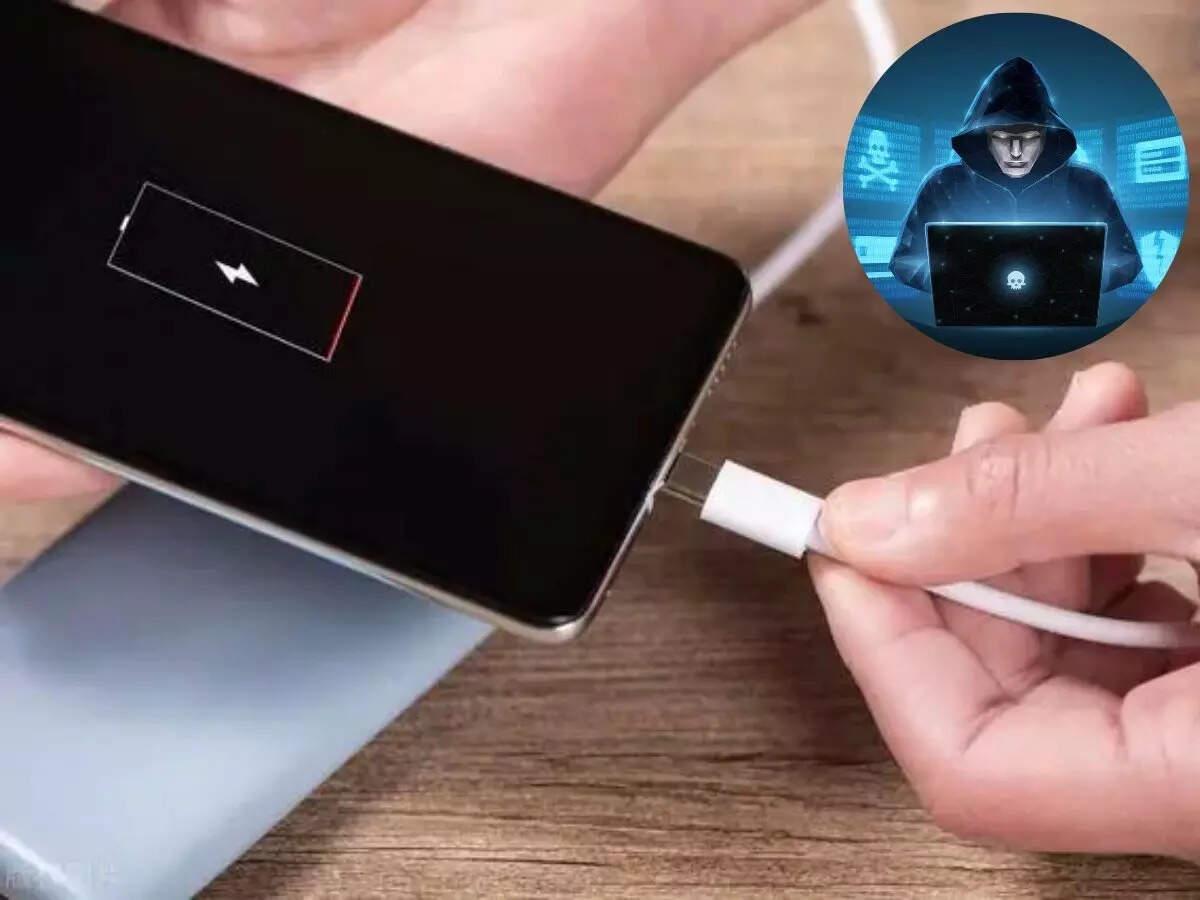
Unexplained Battery Degradation: If your battery begins draining at an accelerated rate even when the phone is idle, it often indicates malicious scripts or malware processes are running continuously in the background.
Spikes in Mobile Data Consumption: Malicious applications must transmit stolen information back to their creators. A sudden, massive jump in your monthly data usage profile is a primary indicator of active data exfiltration.
Persistent Performance Latency: Frequent system crashes, frozen applications, or unexpected device reboots suggest that unauthorized background processes are overloading your system resources.
Defensive Strategies: How to Charge Safely
Protecting your mobile architecture from physical port vulnerability requires abandoning reliance on public USB hubs and establishing hard operational boundaries.
| Charging Method | Risk Profile | Defensive Mechanism |
| Public USB Port | High Risk | Exposes data transmission lines directly to unverified hardware. |
| AC Wall Adapter | Zero Risk | Connects exclusively to electrical power lines, completely bypassing data risks. |
| Personal Power Bank | Zero Risk | Keeps your device isolated from public infrastructure using an offline energy source. |
| USB Data Blocker | Minimal Risk | Uses a physical adapter to sever the data pins while letting electrical current pass. |
Elevating Mobile Infrastructure Security with FireShark
As modern organizations adopt flexible, mobile-first operational models, corporate data is constantly carried through public spaces on employee smartphones and tablets. Ensuring that these endpoints do not become soft targets requires comprehensive workforce training that looks beyond simple software updates to address physical and hardware security parameters. To explore the foundational concepts of building a resilient organizational perimeter, read our strategic guide on What is Cybersecurity? Why is Cybersecurity Important?.
FireShark works directly with enterprises to build robust security cultures through professional training and realistic threat simulations. Our programs instruct security teams and corporate staff on how to evaluate physical environment risks, understand hardware-based attack paths, and implement zero-trust endpoint rules. By training your team to look past convenient infrastructure and prioritize physical data isolation, FireShark helps eliminate human-error vulnerabilities before they disrupt your enterprise operations.
Conclusion
Juice jacking serves as a reminder of an fundamental security reality: convenient public solutions often come with hidden structural costs. While mobile operating systems have built strong defensive barriers against automated USB exploits, relying entirely on software prompts to protect high-value data is an unnecessary operational risk. By using your own AC adapters, carrying portable power banks, and deploying physical data blockers, you can comfortably navigate high-traffic public spaces without compromising your digital assets.
Frequently Asked Questions (FAQs)
1. What exactly happens mechanically during a juice jacking attack? A juice jacking attack exploits the dual-purpose wiring of a standard USB connection. While the power lines inside the cable deliver current to charge your phone battery, a compromised port uses the adjacent data transmission lines to establish a hardwired digital link, enabling unauthorized data extraction or malware deployment.
2. Why do security agencies warn against juice jacking if real-world cases are rare? Security agencies emphasize prevention because the impact of a successful hardware exploit can be catastrophic. If an attacker manages to install a stealthy backdoor or copy active corporate authentication tokens through a modified port, the long-term cost of remediation far outweighs the minor effort required to carry a personal wall charger.
3. Does locking my phone with a passcode or biometrics block a juice jacking attempt? Locking your device provides a basic layer of cryptographic defense, as modern operating systems restrict data access when the screen is locked. However, sophisticated hardware exploits or unpatched system vulnerabilities can occasionally find ways around these software locks, meaning physical isolation is always safer.
4. What is a USB data blocker and how does it protect my device? A USB data blocker is a small hardware adapter that sits between your charging cable and a public USB port. It physically removes or disconnects the internal data transfer pins while keeping the power lines intact, ensuring that only electricity can flow into your device.
5. Is wireless public charging susceptible to traditional juice jacking? No. Public wireless charging pads use induction coils to transfer energy across an electromagnetic field rather than relying on a physical wiring harness. Because wireless pads do not share the physical data pin architecture of a standard USB hub, they are naturally immune to traditional juice jacking methods.