
Introduction
In 2026, public Wi-Fi has become an inseparable part of our daily rhythm. Whether you are a “digital nomad” working from a bustling café, a traveler waiting for a flight at an international airport, a student researching at a public library, or a guest relaxing in a high-end hotel, free internet access is no longer just a luxury—it is often treated as a fundamental necessity.
However, this ubiquitous connectivity hides a dark reality. While these open networks make our lives more convenient, they also provide a target-rich environment for cybercriminals. Hackers view public Wi-Fi as a “digital fishing hole” where they can easily intercept sensitive data and launch devastating attacks on unsuspecting users. Understanding the mechanics of these exploits is the first step toward reclaiming your digital privacy.
Understanding Public Wi-Fi: The “Open Door” Policy
Public Wi-Fi refers to wireless networks available in common areas like shopping malls, restaurants, and transit hubs. These networks are designed for frictionless access, which usually means they lack the robust security configurations found in corporate or home environments.
The core danger of public Wi-Fi is the lack of encryption and monitoring. On a secured home network, your data is often shielded from other devices. On a public network, you are essentially shouting your data in a crowded room; anyone with the right “ears” (tools) can hear exactly what you are saying. This lack of a secure perimeter creates a playground for attackers to monitor activity and exploit vulnerable devices.
Why Public Wi-Fi Networks are Inherently Dangerous
The risk of public Wi-Fi stems from its shared nature. Because hundreds of unknown devices connect to the same access point simultaneously, hackers can easily position themselves between you and the internet gateway.
Lack of Peer Isolation: Many public routers do not prevent connected devices from “talking” to each other. This allows an attacker on the same network to scan your device for open ports or unpatched vulnerabilities.
Unencrypted Traffic: If a network doesn’t require a complex WPA3 password, your data packets are likely traveling through the air in “plain text.”
High Traffic Volume: Cybercriminals target busy hubs because the sheer volume of users provides “noise” to hide their malicious activities, making it harder for standard security systems to flag them.
Common Ways Hackers Exploit Public Wi-Fi
1. Man-in-the-Middle (MITM) Attacks
The MITM attack is the most frequent exploit found on public networks. In this scenario, the hacker secretly relays and possibly alters the communication between two parties who believe they are directly communicating with each other.
The Execution: When you log into your banking app, the data goes to the hacker’s device first, and they pass it along to the bank. You get your balance, but the hacker now has your login credentials.
The Danger: MITM attacks are nearly invisible to the average user, as there is often no detectable lag or error.
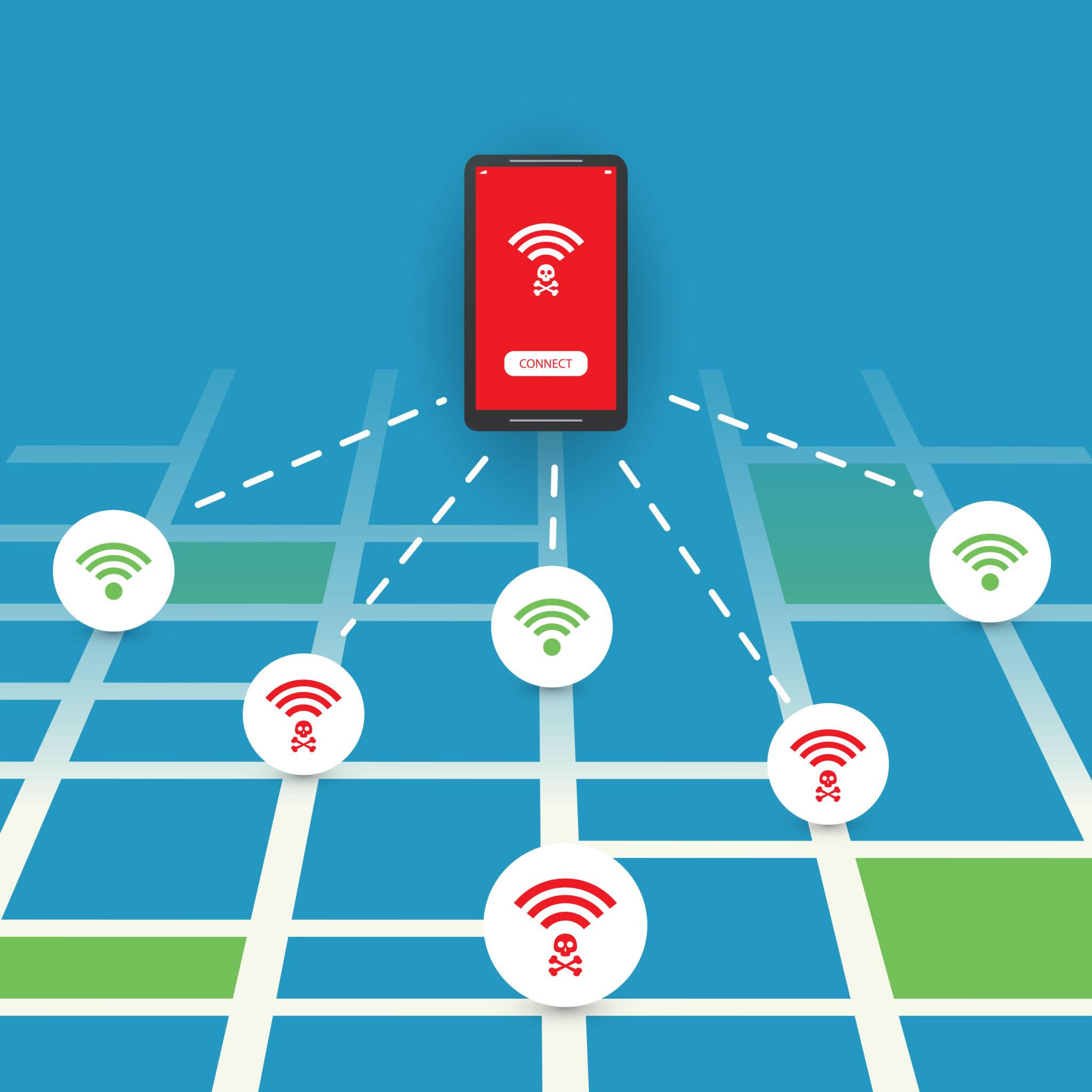
2. Fake Wi-Fi Hotspots (The “Evil Twin”)
Hackers frequently set up their own routers in public places and give them names that look official.
Example: Instead of connecting to “Airport_Official_Free,” you might see a stronger signal for “Airport_Free_WiFi.”
The Trap: Once you connect to this “Evil Twin,” every piece of data you send—passwords, private messages, credit card numbers—is being recorded directly by the attacker’s machine.
3. Packet Sniffing and Sidejacking
Packet sniffing involves using software (like Wireshark) to capture and analyze data packets as they move across the network.
Unsecured Data: If you are browsing a site that doesn’t use modern HTTPS, a sniffer can read your data as if it were an open book.
Session Hijacking: Attackers can steal your “session cookies.” These are the files that keep you logged into Facebook or Amazon so you don’t have to type your password every time. If a hacker steals your cookie, they can “become” you on that website without ever needing your password.
4. Malware Distribution
Hackers can exploit software vulnerabilities to inject malware directly into your device via the shared network connection.
Common Payloads: This includes spyware to watch your screen, ransomware to lock your files, or keyloggers that record every single keystroke you type.
Expert Detection: Cybersecurity professionals utilize advanced monitoring solutions like FireShark to analyze these suspicious network behaviors and identify “zero-day” threats targeting public environments.
Real-World Risks and Business Impact
For individuals, the risks are clear: identity theft and financial loss. However, for the modern hybrid workforce, the stakes are even higher.
Corporate Exposure: An employee checking work emails on a hotel Wi-Fi can unintentionally expose the entire company’s internal server to a breach.
Operational Disruption: A single compromised device can act as a “beachhead,” allowing a hacker to move laterally through a corporate network once the employee returns to the office.
Reputational Damage: For businesses, a breach originating from a public Wi-Fi connection can lead to massive legal fines and a loss of customer trust.

How to Stay Safe: A 2026 Defense Strategy
| Security Measure | Why It Works |
| Use a VPN | A Virtual Private Network creates an encrypted tunnel for your data. Even if a hacker intercepts your “packets,” they will look like gibberish. |
| Enable 2FA/MFA | Multi-Factor Authentication ensures that even if a hacker steals your password on a public network, they cannot access your account without your physical phone or a passkey. |
| “Forget” Networks | Configure your phone to “Ask to Join Networks” rather than connecting automatically. This prevents your phone from accidentally jumping onto an “Evil Twin.” |
| Stick to HTTPS | Ensure the padlock icon is present. Use browser extensions like “HTTPS Everywhere” to force secure connections. |
| Use Cellular Data | If you need to access a bank or sensitive work file, turn off Wi-Fi and use your 5G/6G mobile data or a personal hotspot—it is vastly more secure. |
Best Practices for Digital Hygiene
Keep Software Updated: Hackers rely on old bugs. Keeping your OS and browser updated closes the “doors” they try to walk through.
Turn off File Sharing: When on public Wi-Fi, ensure your “AirDrop” or “Windows File Sharing” is turned off so strangers cannot send you malicious files or browse your folders.
Verify the SSID: Always ask a staff member for the exact name of the Wi-Fi. Do not trust your device to pick the “best” one.
Use a Firewall: Ensure your device’s built-in firewall is active to block unauthorized incoming connections from other users on the network.
Conclusion
Public Wi-Fi is an incredible tool for productivity and connection, but in 2026, it remains one of the most common vectors for cyberattacks. The “convenience” of free internet should never come at the expense of your personal or corporate security. By adopting a “Zero Trust” mindset—assuming every public network is compromised—and using tools like VPNs and encryption, you can enjoy the benefits of a connected world without becoming a statistic.
As the lines between work and home continue to blur, training platforms like FireShark are becoming essential for teaching users how to navigate these invisible dangers. Remember: in the digital age, your data is only as secure as the weakest link in your connection. Stay vigilant, stay encrypted, and stay safe.
Frequently Asked Questions (FAQs)
1. Is a VPN 100% safe on public Wi-Fi?
While a high-quality VPN is the best defense, it doesn’t protect you from downloading malware or entering your password into a phishing site. It only secures the “transport” of your data.
2. Can hackers see my screen on public Wi-Fi?
Not directly through the Wi-Fi connection, but if they successfully install spyware on your device via the network, they could eventually see everything you do.
3. Is “Free Airport Wi-Fi” safer than “Café Wi-Fi”?
Not necessarily. Airports are high-value targets for “Evil Twin” attacks because of the volume of wealthy travelers and business executives.
4. What is an “Evil Twin” attack?
It is a fraudulent Wi-Fi access point that appears to be legitimate but is actually set up by a hacker to eavesdrop on wireless communications.
5. Should I use public Wi-Fi for online shopping?
It is strongly discouraged. Entering credit card information on a public network is high-risk unless you are using a VPN and a fully updated, secure browser.