Introduction
In 2026, the square, pixelated pattern of the QR code has become the universal bridge between our physical and digital lives. From paying for a street-side coffee and accessing a restaurant menu to instantly downloading apps and bypassing complex login screens, we scan these codes without a second thought. Their speed and convenience have integrated them into almost every industry. However, this “scan-first-think-later” habit has opened a massive backdoor for cybercriminals, who are now weaponizing our trust in these digital shortcuts.
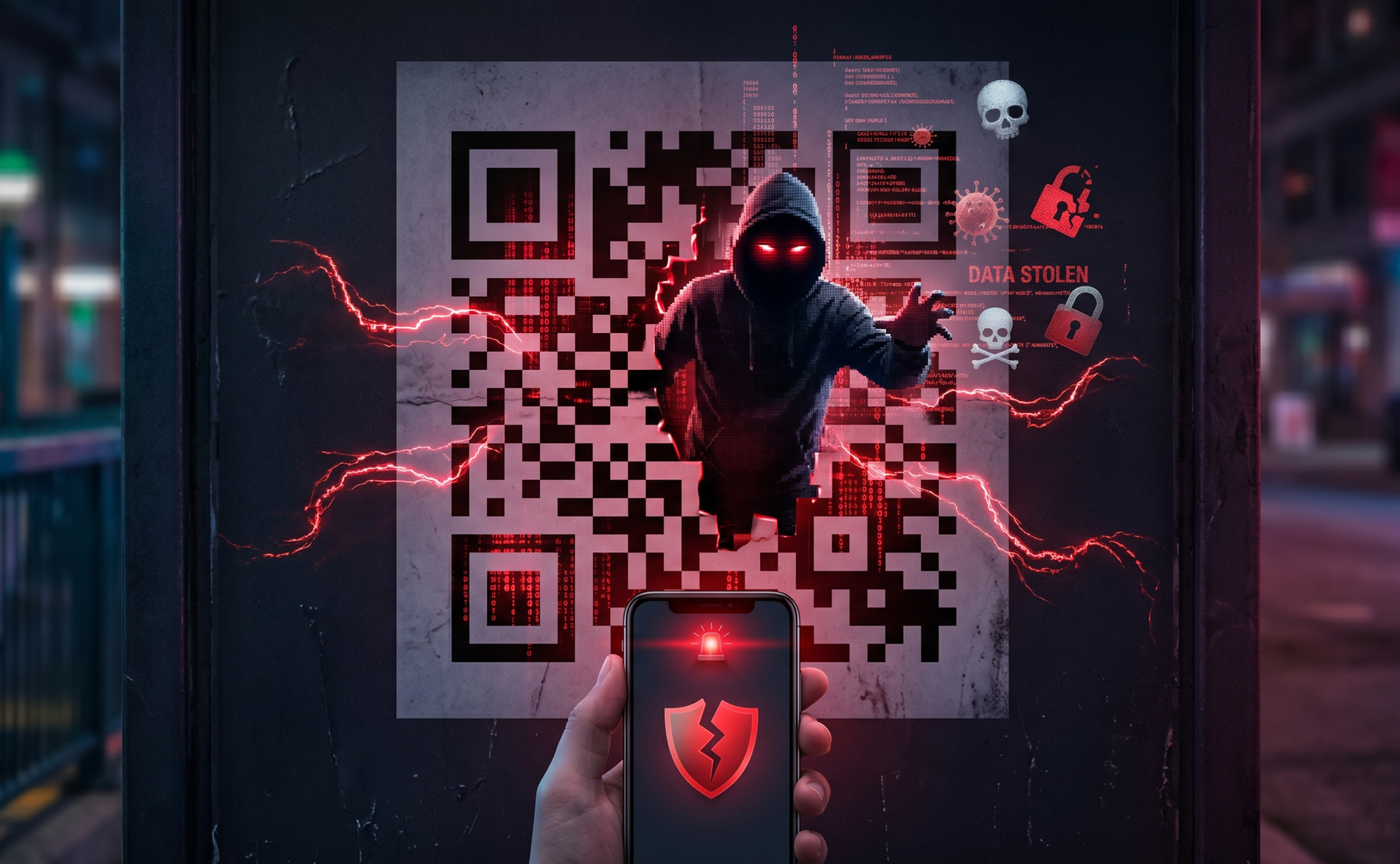
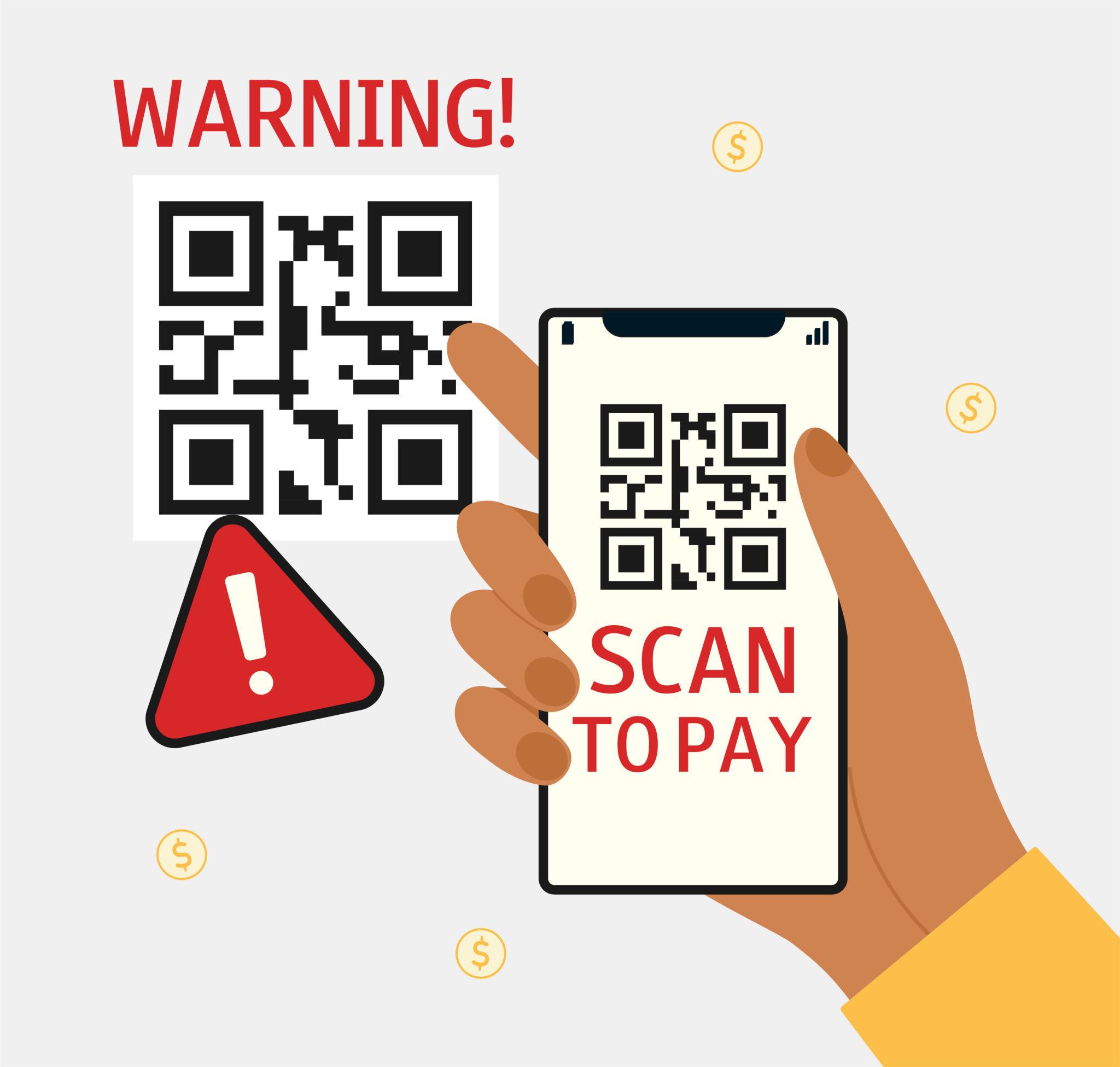
Security experts have labeled this surge in attacks as “Quishing” (QR + Phishing). It is a sophisticated evolution of social engineering where attackers use malicious QR codes to bypass traditional email filters and trick users into surrendering their most sensitive data. As we move deeper into a contactless world, understanding the anatomy of a QR code scam is no longer just a technical skill—it is an essential part of digital survival.
Why QR Code Scams are Increasing Rapidly
The contactless boom that followed the pandemic solidified QR codes as a permanent fixture in global commerce. Businesses adopted them for everything from inventory tracking to registration and authentication. Cybercriminals quickly realized that while people have become skeptical of suspicious-looking links in emails, they still view QR codes as professional, neutral, and inherently trustworthy.
Several factors are driving this rapid rise
The “Visual Blind Spot”: Unlike a URL, which you can read and inspect for typos (like g00gle.com), a QR code is machine-readable only. A human cannot “see” where a QR code leads until after the scan.
Smartphone Goldmines: By 2026, our smartphones are our digital identities—housing banking apps, crypto-wallets, saved passwords, and private messages. A single successful scan gives an attacker a direct line into this high-value environment.
Bypassing Security Filters: Many enterprise email security tools are designed to scan text and links, but some still struggle to “read” an image-based QR code, allowing Quishing emails to land directly in a user’s inbox.
How Cybercriminals Use Malicious QR Codes
1. The Financial Redirection (The “Fake Payment”)
Attackers create fake banking or payment portals that look identical to legitimate ones. A victim might scan a code to pay for parking, but instead of the official city portal, they are sent to a hacker-controlled site. Once the victim enters their credit card or banking credentials, the attacker captures them in real-time.
2. Drive-By Malware Downloads
In more advanced attacks, the QR code doesn’t just lead to a website; it triggers an automatic download. This software—often spyware or a keylogger—installs itself on the smartphone to monitor device activity, intercept SMS-based two-factor authentication (OTP) codes, and steal personal contacts.
3. Corporate “Quishing” Campaigns
Employees are increasingly receiving emails that appear to be from HR or IT, asking them to scan a QR code to “reset their corporate password” or “enroll in new benefits.” Because the scan happens on a personal phone rather than a monitored work laptop, the attacker can often bypass corporate network defenses and gain a foothold into the company’s internal network.
Common Scenarios for QR Code Scams (2026)
| Location | Method of Attack |
| Public Parking & Meters | Fraudsters place “Payment Sticker” QR codes over the official municipal codes to steal credit card data. |
| Restaurant Menus | An “Evil Twin” QR code is placed on a table, leading to a fake ordering site that harvests payment info. |
| Utility Bills & Mail | Scammers send letters claiming an “overdue balance” with a QR code for “instant payment.” |
| Public Charging Stations | Codes placed near USB ports (Juice Jacking) that offer “Free Wi-Fi” but deliver malware instead. |
Real-World Impact: Individuals and Organizations
The damage from a malicious scan can be catastrophic. For individuals, it often results in emptied bank accounts and stolen identities. For organizations, a single employee scanning a malicious code can lead to a data breach, reputational ruins, or even a ransomware attack that locks down entire corporate systems.
Cybersecurity training platforms like FireShark emphasize that “human error” is the primary vector for these attacks. As Quishing campaigns grow more convincing—using high-resolution graphics and urgent language—the need for specialized training in mobile-first security has never been higher.
How to Stay Safe: A 2026 Security Protocol
To protect yourself against the rising tide of Quishing, follow these high-level best practices:
Inspect Before You Scan: If a QR code is on a sticker that looks like it was placed over an original sign (common on parking meters or menus), do not scan it.
Verify the URL Preview: Most modern smartphones show a small preview of the URL after scanning but before opening. If the URL looks strange, uses a different domain (e.g., .net instead of .gov), or is a shortened link (e.g., bit.ly), close it immediately.
Use Multi-Factor Authentication (MFA): Even if an attacker steals your password via a fake QR site, having MFA (ideally a passkey or authenticator app) provides a critical second layer of defense.
Avoid “Sensitive” Scanning: Never enter your bank password, Social Security number, or corporate credentials on a site you accessed via a QR code.
Install Mobile Security Software: Use enterprise-grade mobile protection that can scan the destination of a QR code for known malicious behavior before the page loads.
The Future of QR Code Security
As we look toward the end of the decade, the cybersecurity industry is fighting back. We are seeing the rise of AI-powered QR scanners that can analyze the intent of a website in milliseconds. Some organizations are also moving toward Encrypted QR Codes that require a specific app or digital signature to decode, ensuring the source is legitimate.
However, technology alone isn’t enough. As long as QR codes are built on convenience, they will be targeted. The most effective security tool remains the informed user. Businesses that invest in awareness training—like the modules offered by FireShark—will be the ones that successfully navigate this shifting threat landscape.
Conclusion
QR code scams are a sobering reminder that in the world of cybersecurity, convenience often comes at the cost of safety. Cybercriminals are counting on our “scan-and-go” culture to bypass our natural defenses. By practicing a “Zero Trust” approach to every QR code you encounter—verifying URLs, checking for physical tampering, and maintaining strong MFA—you can enjoy the benefits of contactless technology without becoming a victim. In the digital age of 2026, the few seconds you take to verify a scan are the most important seconds of your day.
Frequently Asked Questions (FAQs)
1. What is a “Quishing” attack?
Quishing is a combination of “QR code” and “Phishing.” It is a scam where attackers use a QR code to trick you into visiting a malicious website or downloading malware.
2. Can I get a virus just by scanning a QR code?
Simply scanning a code is usually not enough to infect a phone. The danger comes from the actions that follow: clicking a “download” button on the resulting site or entering your private information into a fake form.
3. How can I tell if a QR code has been tampered with?
Look for “sticker edges.” If a QR code is on a sticker that doesn’t match the background or is covering another code, it is highly likely to be a scam.
4. Are QR codes in emails safe?
Rarely. Most legitimate companies will send you a clickable link or button. If an email asks you to scan a QR code to log in, it is a major red flag for a Quishing attack.
5. Does my phone have built-in protection?
Most modern phones show you the URL before opening the site. However, they cannot always tell if that specific site is a fake version of your bank. You must remain the final judge of safety.